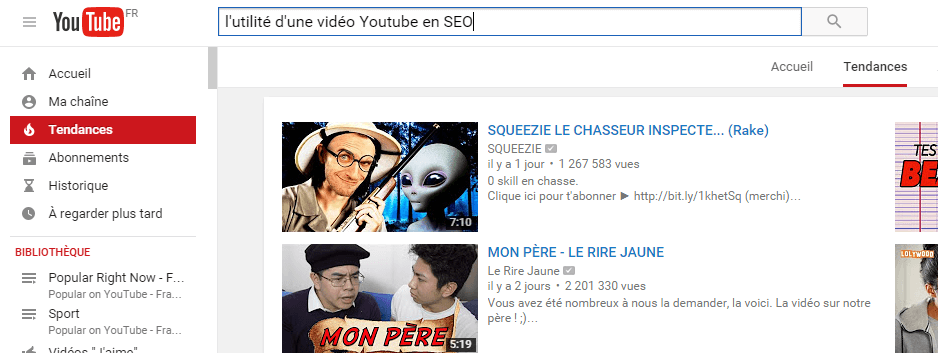
Google Suggest, which Google now calls autocomplete, offers query endings as you type. These suggestions reflect real searches: a goldmine of long-tail keywords you would never think of on your own.
What is more important in SEO than keywords? Defining them remains one of the most important steps, and above all one not to neglect.
Want a professional's help choosing your keywords? Get your free quote within 48 hours!
What Google Suggest tells you about real queries
Google's autocomplete displays predictions from the first letters typed. According to the official Google Search help, these predictions reflect real searches made on the engine: they do not come from a dictionary, they come from what people are searching for. For anyone working on keywords, this is valuable, because it shows the audience's vocabulary rather than the trade's. A tradesman says "facade renovation", while their customer types "clean house front".
Google also states that its systems take into account the query's language, its geographic origin, its trending status and the user's previous searches. Two people therefore do not always see the same suggestions. For a clean list, I work in a private browsing window, with the language and country of the target market. Finally, Google removes predictions that go against its policies: a query missing from the suggestions may still exist.
The manual method, letter by letter
The Seo Black Out script that I originally presented on this page automated a simple technique, which you can still apply by hand:
- Type a general word for the sector (for example SEO) and note the suggestions.
- Add a space then each letter of the alphabet ("SEO a", "SEO b", ...) to bring out new query endings.
- Start again with just the first letters (sear) so you miss nothing in the sector.
- Put question words in front of the term: "how", "why", "which", "how much".
- Take the best suggestions as a new starting point: this is the depth level the script offered, from 1 to 5.
The script sometimes crashed (on the search "manga", for example); the manual method never fails, it just takes more patience. All that is left is to sort through the results!
Sort the suggestions before using them
A raw list of Google suggestions is not a strategy. Each phrase is sorted by the user's intent: looking for information, comparing, buying, finding a place. A page answers one intent, not a series of variants of the same word. The full method for selecting your SEO keywords and discarding the bad ones starts precisely from this sorting.
Suggestions also show how Google understands a topic: the words it spontaneously associates with a query point to the themes to cover in the page. A suggestion that comes back in several forms often deserves its own section, or even its own page. To understand where these associations come from, the explanation of how Google search really works provides the framework.
Tools that complement Google Suggest
Google Suggest gives no search volume. To know whether a phrase deserves a page, other sources take over:
- Google Ads Keyword Planner: it estimates volumes and suggests related ideas, from an advertising account.
- Google Search Console: its performance report lists the queries for which your site already appears, often the best source of long tail.
- The "People also ask" block in Google results: it reveals the questions associated with a query.
- Related searches at the bottom of the results page: other close phrasings, free and instant.
Third-party tools such as AnswerThePublic or Ubersuggest also query search engine suggestions and present them as lists or charts. Bing and YouTube have their own suggestions, useful when your target audience uses those platforms.
Google Suggest, the lazy trick that is still relevant
What you have just seen remains the basic lazy trick, but so handy! Google Suggest costs nothing, answers in real time and speaks the language of your future visitors. A phrase found this way is then placed where it counts, starting with the title tag of the target page, then in the headings and the text, without stuffing.
And you, do you still use Google's suggestions to find your keywords? I do! And quite a lot!